A developer needs to read logs in production. Someone sends them an administrator kubeconfig "just for today."
Six months later, the file has been copied to several laptops and nobody knows who still uses it.
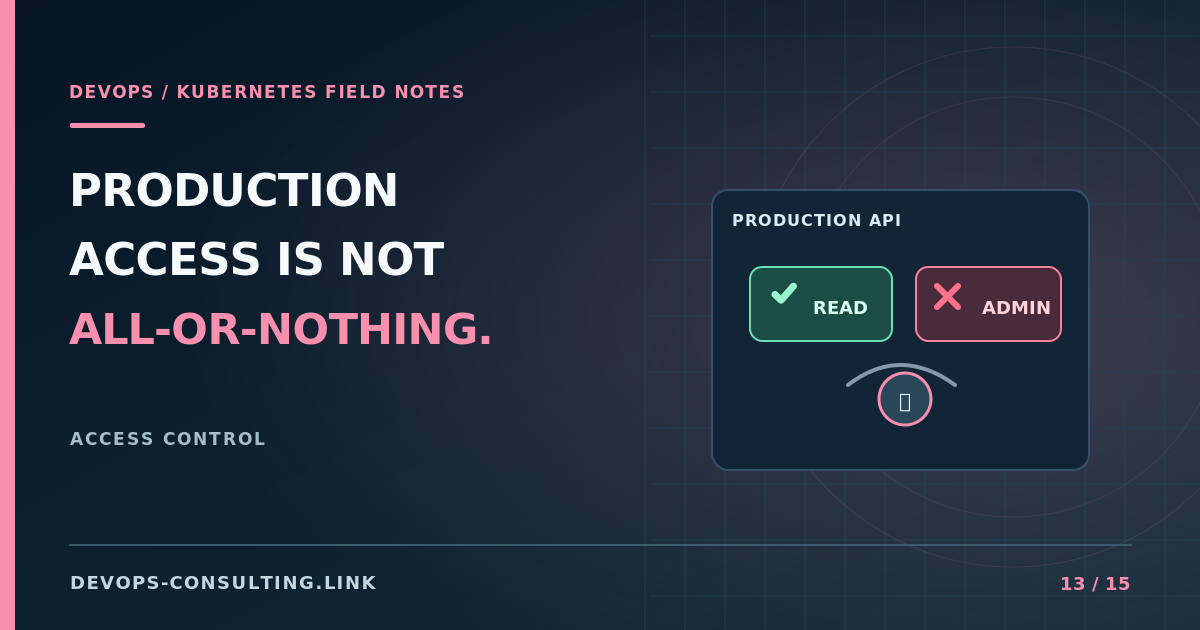
Production access isn't a choice between giving everyone admin and blocking developers completely. There's a much better middle ground.
Start with what people actually need to do
Most routine tasks are not cluster administration. Developers may need to inspect workloads and events, view logs, or trigger a controlled deployment. Those actions can be separated from changing RBAC policy, reading every Secret, or modifying cluster-wide infrastructure.
Design permissions around activities and namespaces, not job titles alone.
| Task | Typical access model |
|---|---|
| View pod status and events | Scoped read permissions |
| Read workload logs | Scoped pods/log permission |
| Deploy to a team namespace | Dedicated deployment identity or approved workflow |
| Change cluster-wide RBAC | Limited administrator group, approval and audit |
| Emergency repair | Documented break-glass access with review |
Review how exec access and Pod creation can cross boundaries through workload identities and mounted data. "Read-only" should be validated against the capabilities the role actually grants.
Four access controls worth implementing
1. Federated identity. Prefer named users through an identity provider over anonymous shared kubeconfigs. Offboarding should remove access without tracking down files manually.
2. Least privilege. Bind permissions at the namespace level when possible, and treat cluster-wide roles as exceptions that require justification.
3. Time-bound elevation. For sensitive operations, use approval or just-in-time access rather than permanent privileges. The mechanism depends on your identity and Kubernetes distribution.
4. Auditability. Keep relevant API audit events, know who made a change, and regularly review privileged access.
Don't forget automation
Human permissions get attention, but CI/CD jobs and controllers frequently hold long-lived authority. Give each deployment workflow a dedicated identity and only the permissions it needs. Rotate or revoke credentials as the surrounding tools change.
For the deeper technical review, read Auditing Kubernetes RBAC and the official RBAC guidance.
The practical test
Pick a representative developer. Can they diagnose a failed rollout without admin? Can they make changes outside their team's scope? Can the team revoke their access promptly? If the answers surprise you, the access model needs work.
Discussion: Should every developer have read-only production Kubernetes access, or should that also require explicit approval?
If your production access model evolved informally, a Kubernetes Cluster Audit can identify risky bindings and unclear boundaries. Request a discovery call.